
DeepSeek-V3.1: Features, Use Cases, and API Guide
Explore DeepSeek-V3.1, including its thinking modes, coding capabilities, AI agent features, API integration, use cases, and limitations.
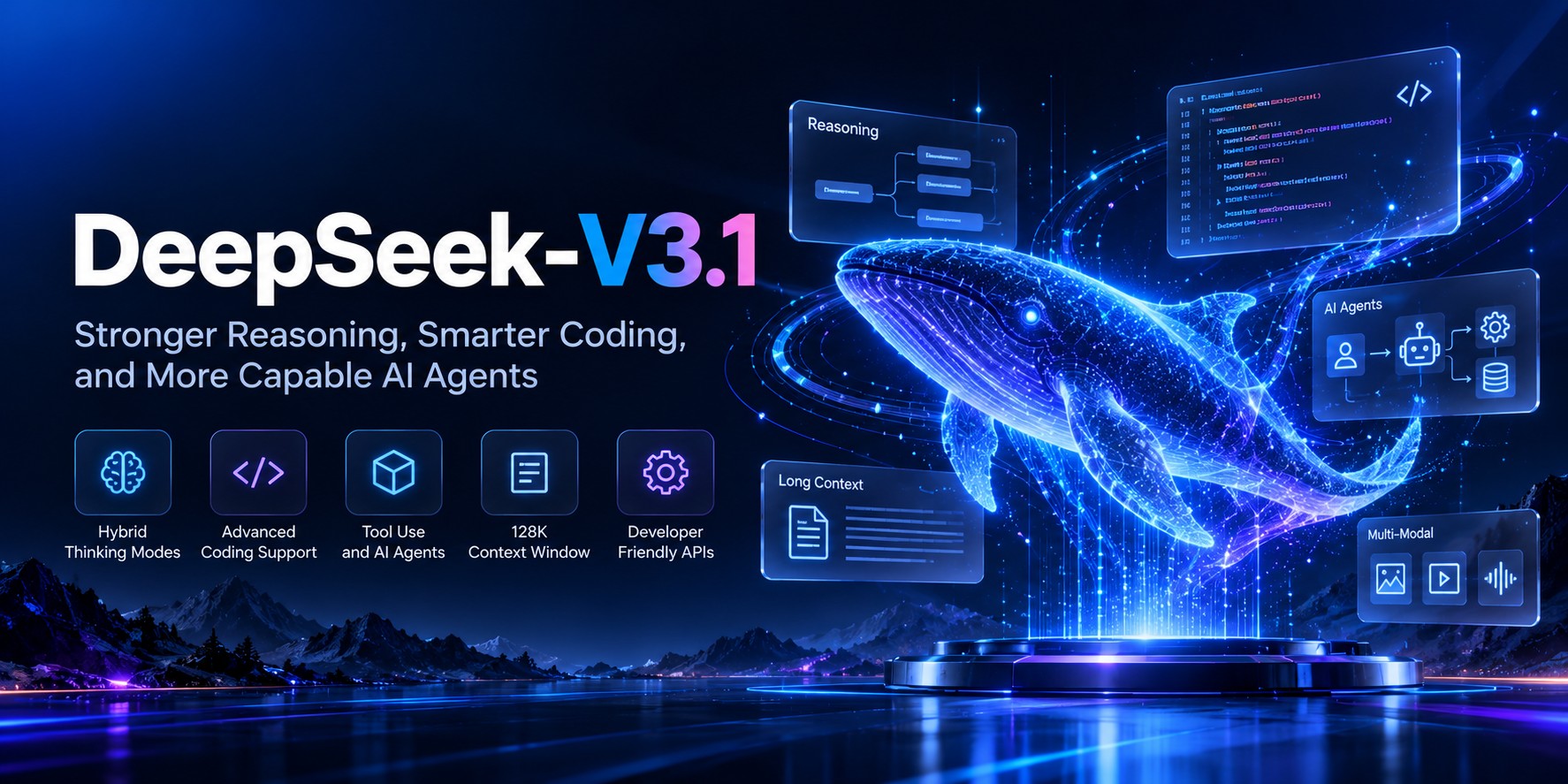
DeepSeek-V3.1 is a large language model developed by DeepSeek that combines general-purpose AI capabilities with a focus on reasoning, coding, and tool-assisted tasks. Released in August 2025, it introduced a hybrid approach that supports both thinking and non-thinking modes, allowing developers to choose between deeper reasoning and more direct responses depending on the task.
This flexibility makes DeepSeek-V3.1 relevant for applications ranging from chatbots and code assistants to research workflows and AI agents. In this guide, we will explore how the model works, its main features, practical use cases, API integration, and the limitations developers should understand before using it.
What Is DeepSeek-V3.1?
DeepSeek-V3.1 is an AI language model designed to understand instructions, generate text, write and explain code, solve problems, and support multi-step tasks. One of its defining features is its hybrid inference approach: thinking and non-thinking modes are available within the same model family.
In thinking mode, the model can spend additional computation working through a problem before returning its answer. In non-thinking mode, it focuses on producing a response without that additional reasoning phase. Developers can select the approach that better suits their application's needs.
DeepSeek also released open-source model weights for V3.1, giving developers and researchers the option to examine and work with the model beyond its hosted API. Running those weights independently requires suitable infrastructure and setup.
Key Features of DeepSeek-V3.1
1. Hybrid Thinking and Non-Thinking Modes
The model supports two response modes. Thinking mode is useful for tasks that benefit from additional reasoning, while non-thinking mode can suit straightforward questions, routine content generation, and simpler conversational interactions. Having both options makes it easier to adapt the model to different workloads.
2. Coding and Software Development
DeepSeek-V3.1 can help developers write functions, explain unfamiliar code, identify potential bugs, generate test cases, and work through programming problems. DeepSeek highlighted improvements in software engineering and terminal-based benchmarks as part of the V3.1 release.
It can also support development assistants that interpret requirements, suggest code changes, and help developers investigate errors. Generated code should still be reviewed and tested before being used in production.
3. Tool Use and AI Agents
AI agents often need to do more than generate a single answer. They may need to choose a tool, submit structured arguments, inspect the returned result, and continue with another step. DeepSeek-V3.1 introduced improvements aimed at these kinds of multi-step workflows.
With function calling, developers can connect an AI application to approved functions such as searching a database, retrieving a record, checking an order, or calling an internal service. The application remains responsible for executing tools, validating their arguments, and controlling permissions.
4. Long-Context Processing
DeepSeek announced a 128K-token context window for both thinking and non-thinking API modes at the V3.1 launch. A large context can help applications process lengthy instructions, substantial documents, and extended conversations.
A context window is the total amount of input and output information a request can accommodate. It does not guarantee that every detail in a long document will be understood perfectly, so retrieval, summarization, and testing can still be important for document-heavy applications.
5. API Integration Options
DeepSeek provides API documentation and supports an OpenAI-compatible request format, making integration familiar for developers already using compatible client libraries. DeepSeek also announced support for the Anthropic API format and beta strict function calling with V3.1.
Always check the current API documentation for supported model identifiers, request parameters, and protocol capabilities. API aliases and hosted model versions can change after an initial release.
How Does DeepSeek-V3.1 Work?
Like other large language models, DeepSeek-V3.1 processes text as tokens and generates a response based on the instructions and context supplied to it. Its training and post-training process help it follow instructions, generate useful outputs, and handle tasks such as coding and tool use.
The thinking mode adds a reasoning phase before the final response. Non-thinking mode skips that additional phase. Developers can choose the mode through the supported API parameters, while the application determines how to use the resulting response.
For tool-assisted tasks, the application can provide function definitions describing available tools. The model may return a structured tool call, the application executes the corresponding function, and the result can be sent back to the model for the next step.
DeepSeek-V3.1 Use Cases
AI Chatbots and Customer Support
Developers can use the model to build conversational assistants that answer questions, explain procedures, summarize information, and help users navigate a product. For customer support, it can be connected to approved knowledge sources and business tools to provide more context-aware responses.
Code Generation and Review
Software teams can use DeepSeek-V3.1 to draft code, explain errors, create unit tests, review changes, and document existing projects. Thinking mode may be useful for problems that require more careful analysis, while non-thinking mode can handle simpler development requests.
Research and Document Analysis
The model can help summarize documents, compare passages, extract key points, and organize information into structured outputs. For research applications, provide reliable source material and verify important claims rather than relying solely on a generated response.
AI Agents and Workflow Automation
With function calling and application-side orchestration, developers can create workflows that retrieve data, validate information, update records, or perform a series of connected tasks. Sensitive operations should require appropriate authorization and safeguards.
Content Generation and Data Extraction
DeepSeek-V3.1 can draft articles, rewrite text, classify information, extract fields, and generate structured responses. For automated pipelines, define the expected output clearly and validate the result before storing or using it in downstream systems.
How to Use DeepSeek-V3.1 Through an API
To integrate the model, developers generally need an API key, a supported model identifier, and a request containing the conversation messages. The following Python example illustrates the OpenAI-compatible chat-completions format documented for the original V3.1 API.
import os
from openai import OpenAI

client = OpenAI(
    api_key=os.environ["DEEPSEEK_API_KEY"],
    base_url="https://api.deepseek.com"
)

response = client.chat.completions.create(
    model="deepseek-chat",
    messages=[
        {
            "role": "system",
            "content": "You are a helpful coding assistant."
        },
        {
            "role": "user",
            "content": "Explain how Python decorators work."
        }
    ]
)

print(response.choices[0].message.content)
This example uses the documented non-thinking API alias from the original V3.1 release. DeepSeek has subsequently updated its hosted models, so confirm the current model identifier and mode behavior in the official documentation before deploying this exact request.
Enabling Thinking Mode
DeepSeek's API documentation describes thinking controls
for supported endpoints. For the original chat-completions
format, thinking can be enabled through the request's
thinking parameter.
Reasoning effort can also be configured where supported.
response = client.chat.completions.create(
    model="deepseek-reasoner",
    messages=[
        {
            "role": "user",
            "content": "Compare two approaches to solving this problem."
        }
    ]
)

print(response.choices[0].message.content)
The model alias above reflects the original V3.1 API
documentation, where deepseek-reasoner
mapped to thinking mode. Check the current API guide before
using it, as hosted aliases may now point to a newer version.
DeepSeek-V3.1 vs. Non-Thinking Language Models
The key distinction is not simply whether a model can generate text or code. DeepSeek-V3.1 was designed to support both direct responses and a more deliberate reasoning mode within the same model family.
| Area | DeepSeek-V3.1 | Typical non-thinking model |
|---|---|---|
| Response modes | Thinking and non-thinking | Usually direct generation |
| Coding | Code generation and problem-solving support | Depends on the model |
| Tool use | Supports documented function-calling workflows | Depends on API capabilities |
| Best approach | Choose a mode based on task complexity | Use for tasks suited to its capabilities |
This is a high-level comparison, not a claim that DeepSeek-V3.1 outperforms every non-thinking model. Actual results depend on the task, prompt quality, context, implementation, and the model being compared.
Limitations to Consider
- Accuracy: The model can produce incorrect facts, calculations, or code. Verify important outputs.
- Reasoning is not a guarantee: Thinking mode can help with complex tasks, but it does not eliminate mistakes.
- Tool safety: Function calls must be validated and executed under application-controlled permissions.
- Context limits: Large context capacity does not ensure perfect recall of every detail in a long input.
- API changes: Hosted model names and behavior can change. Check current documentation before implementation.
- Self-hosting requirements: Using open model weights requires appropriate compute, deployment expertise, and operational monitoring.
Is DeepSeek-V3.1 Open Source?
DeepSeek released V3.1 model weights publicly through Hugging Face. Developers can review the model files and associated license information there. Before redistributing or using the weights commercially, read the applicable license and verify that your intended use complies with its terms.
Frequently Asked Questions
What is DeepSeek-V3.1 used for?
It can be used for conversational AI, coding assistance, text generation, document analysis, and applications that use tools to complete multi-step tasks.
What is the difference between thinking and non-thinking mode?
Thinking mode adds a reasoning phase before the final answer, while non-thinking mode generates a more direct response. The appropriate choice depends on the task.
What context length did DeepSeek-V3.1 support?
DeepSeek announced a 128K-token context window for both API modes at the original V3.1 launch. Check current model documentation for the limits of the model version you plan to use.
Can DeepSeek-V3.1 write code?
Yes. It can generate and explain code, assist with debugging, draft tests, and help solve programming problems. Review and test generated code before release.
Does DeepSeek-V3.1 support function calling?
DeepSeek announced strict function calling in its beta API for V3.1. Confirm the current endpoint and model's tool-calling support before building a production workflow.
Can I run DeepSeek-V3.1 on my own infrastructure?
Public model weights were released for self-hosting. However, deployment depends on the hardware, software, model configuration, and license requirements involved.
Is DeepSeek-V3.1 suitable for AI agents?
It was developed with improved tool use and agent tasks in mind. Developers still need to build the orchestration, validation, permission checks, and error handling around the model.
Final Thoughts
DeepSeek-V3.1 introduced a useful combination of general language-model capabilities, hybrid reasoning modes, coding support, and tool-assisted workflows. Its design makes it worth considering for developers building assistants, programming tools, and multi-step AI applications.
The best way to evaluate it is to test representative tasks from your own application. Compare answer quality, reliability, response time, and integration requirements rather than choosing a model based on a feature list alone.
Explore more AI models and developer resources in the WhollyAPI model directory or browse the WhollyAPI blog for more model guides and API tutorials.