
One Voice, Many Performances: Inside MiMo VoiceClone
Discover how MiMo-V2.5-TTS-VoiceClone recreates voices from audio samples, controls emotion and delivery, and supports expressive speech synthesis.
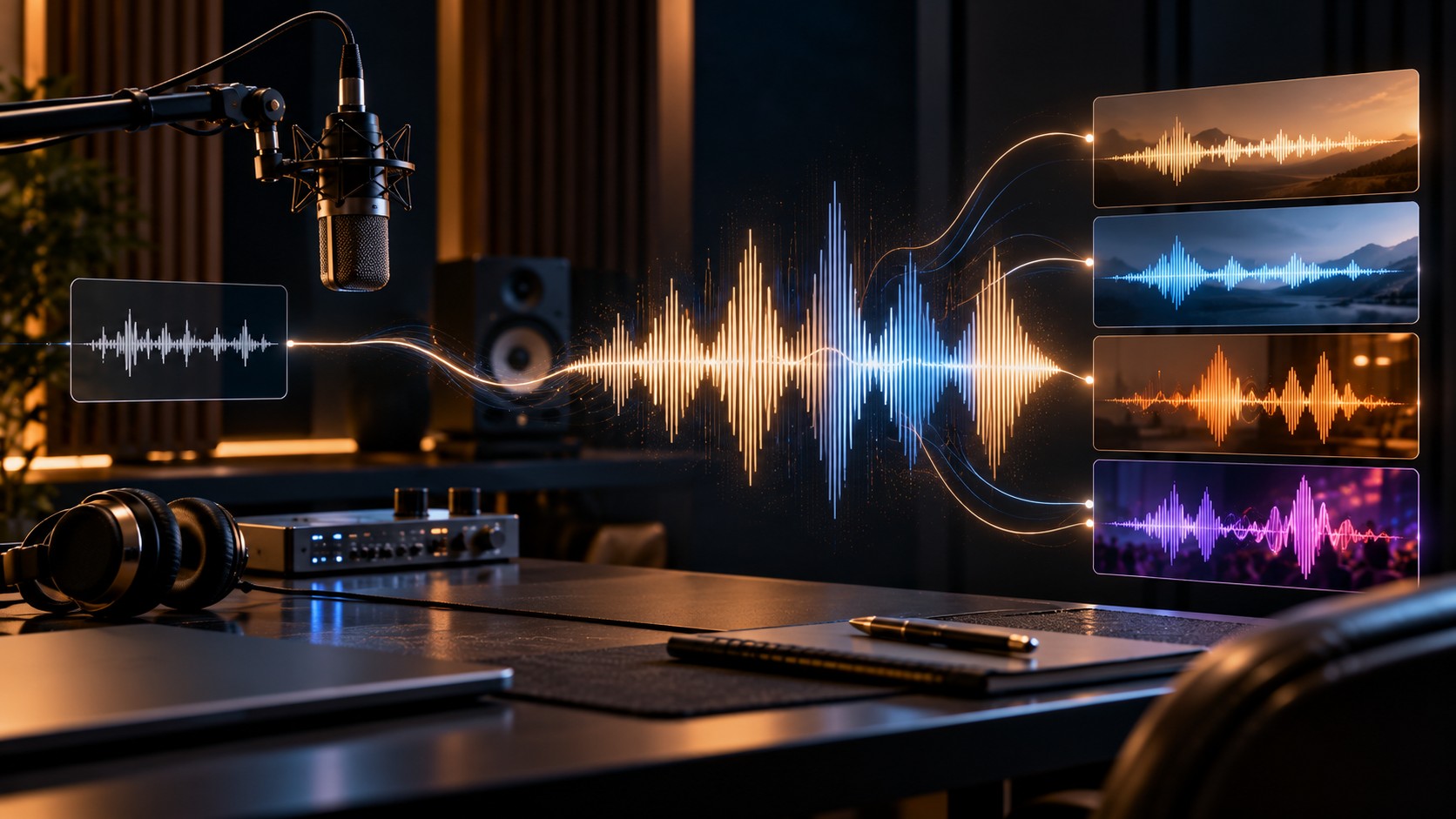
A voice is more than its pitch or accent. The way someone pauses, breathes, emphasizes a word, or changes their tone can make a recording instantly recognizable. Reproducing those characteristics in generated speech has traditionally required careful recording and voice-production work.
MiMo-V2.5-TTS-VoiceClone takes a different approach. Developed by Xiaomi MiMo, this text-to-speech model uses a reference audio sample to reproduce a speaker's vocal characteristics, then generates new speech in that voice. It is designed to retain recognizable vocal qualities while allowing the delivery to be guided by instructions and audio tags.
This makes the model relevant to voiceover production, character dialogue, multilingual content, and applications that need more expressive speech than a basic text-to-speech system can provide.
What Is MiMo-V2.5-TTS-VoiceClone?
MiMo-V2.5-TTS-VoiceClone is an audio-generation model that takes text and a reference voice recording as input and produces synthesized speech. Rather than choosing only from a fixed library of preset voices, you provide a sample representing the voice you want to reproduce.
The model is designed to work without a separate voice-training or fine-tuning process. Xiaomi describes using just a few seconds of reference audio to capture qualities such as vocal timbre, breathing patterns, habitual pauses, and prosodic rhythm.
The reference sample establishes the vocal identity. Text tells the model what to say, while additional instructions can influence how the words are delivered.
How Voice Cloning Works
A typical workflow starts with a suitable audio recording and the text you want spoken. The model uses the reference recording to guide voice reproduction and synthesizes the requested speech.
1. Provide a reference recording
Select a clean sample in which the intended speaker is easy to hear. Background music, overlapping voices, strong reverberation, and noisy recordings can make it harder to assess the quality of the result.
2. Supply the text
Enter the words that should be spoken. Punctuation, sentence structure, and paragraph breaks can help communicate the intended rhythm, although the actual delivery depends on the model's interpretation.
3. Direct the performance
Add instructions describing the desired emotion, tone, speed, or speaking style. A calm explanation, an energetic announcement, and a dramatic character line can use the same reference voice but require different delivery.
4. Generate and review the audio
Listen for pronunciation, timing, unnatural pauses, changes in vocal identity, and emotional consistency. Revise the text or performance instructions where needed, and review the final recording before publishing.
The Difference Between Voice Identity and Delivery
One of the model's most useful features is the ability to combine voice cloning with performance direction. These are related, but they solve different problems.
| Element | Purpose |
|---|---|
| Reference audio | Provides the target vocal characteristics |
| Text | Defines the words to synthesize |
| Natural-language instructions | Describe emotion, tone, pace, and performance |
| Inline audio tags | Guide specific expressive moments, pauses, or vocal effects |
For example, the same cloned voice might deliver a product announcement with warmth and confidence, then narrate a fictional scene with a slower and more serious tone. The goal is to adjust the performance without deliberately replacing the target voice identity.
Expressive Speech Through Natural-Language Instructions
Instead of relying exclusively on technical controls, you can describe the intended performance in ordinary language. This makes it easier to communicate a creative direction before generating the audio.
Example: Warm product narration
Speak in a warm, reassuring, and natural tone.
Use a moderate pace with clear pronunciation.
Pause briefly between important ideas.
Keep the delivery conversational rather than theatrical.

Text:
"Meet a simpler way to organize your day.
Keep your priorities clear and make more room
for the work that matters."
The instruction describes the intended performance, while the text contains the actual speech. The final result may vary, so use short test generations to refine the direction before producing longer recordings.
Example: Dramatic character dialogue
Use a restrained, serious delivery.
Speak slowly and deliberately.
Add a short pause before the final sentence.
Build tension without shouting.

Text:
"I gave you every chance to walk away.
Now, you need to decide what happens next."
These are illustrative prompts, not guaranteed presets. The model interprets natural-language direction, and results should be checked for consistency with the intended character and scene.
What About Audio Tags?
MiMo-V2.5-TTS-VoiceClone also supports inline audio tags. These let creators indicate particular delivery changes or vocal moments within the text instead of describing the entire performance in one instruction.
Depending on the supported tag and the way the request is formatted, these controls can help guide elements such as pauses, sighs, laughter, nervousness, or changes in vocal intensity.
A useful approach is to combine an overall direction with a small number of targeted cues. Too many conflicting instructions can make a performance difficult to control. Check the current model documentation for the accepted tag syntax and examples.
Cross-Language Voice Cloning
Xiaomi highlights Chinese and English reference audio support for this model family. Cross-language cloning can be useful when a project needs speech in more than one language while retaining characteristics of a reference voice.
However, voice similarity and pronunciation quality are separate considerations. A voice may retain recognizable vocal qualities while still producing an accent, name, or phoneme incorrectly in the target language.
For multilingual production, test the actual languages, writing systems, names, and specialist vocabulary you intend to use. Do not assume equal performance across every language simply because cross-language use is supported.
Where Can You Use MiMo VoiceClone?
Video narration and voiceovers
Creators can generate narration for tutorials, explainers, product demonstrations, and other video content. A consistent reference voice can help establish a recognizable presentation style across multiple recordings.
Audiobooks and serialized stories
A cloned voice can support repeatable narration for authorized projects, including revisions and additional chapters. Long-form output should be checked for pronunciation, pacing, and consistency from section to section.
Games and interactive characters
Character dialogue often needs more than neutral speech. Emotion and performance instructions can help create distinct deliveries for dramatic scenes, dialogue branches, and fictional characters.
Localized audio content
Teams creating content for multiple language markets can evaluate voice cloning as part of their localization workflow. Native-language review remains important for pronunciation, meaning, cultural context, and natural delivery.
Voice-enabled applications
Developers can explore generated speech for conversational experiences, interactive storytelling, and applications that speak prepared text. For real-time conversations, verify the model's current streaming behavior and latency before designing the user experience around it.
Reference Audio Requirements
The reference recording plays an important role in the quality of a cloned voice. Xiaomi's documentation specifies MP3 and WAV as supported reference audio formats for this workflow, with a limit of 10 MB for the Base64-encoded audio input.
For better evaluation, use a recording with:
- One clearly audible speaker.
- Minimal background noise and music.
- Clear pronunciation and a natural speaking rhythm.
- Enough speech to represent the vocal characteristics you want to reproduce.
- Permission from the speaker to use their recording for voice cloning.
A short clip may be enough to get started, but a very brief or noisy sample can limit how well you assess the voice. Follow the current endpoint's input requirements and test with audio you are authorized to use.
Voice Cloning vs. Voice Design vs. Standard TTS
The MiMo-V2.5-TTS family includes three models intended for different voice-generation workflows. Choosing the right one depends on whether you already have a voice to reproduce.
| Model | Best suited to | Voice input |
|---|---|---|
| MiMo-V2.5-TTS | Generating speech with built-in voices | Preset voice selection |
| MiMo-V2.5-TTS-VoiceDesign | Creating a new voice from a description | Text description |
| MiMo-V2.5-TTS-VoiceClone | Reproducing an existing target voice | Reference audio sample |
Standard TTS is convenient when a preset voice is sufficient. Voice design is a better fit when you want to create a new vocal identity from a description. Voice cloning is the relevant option when you have an authorized recording of the voice you want to reproduce.
The models have different capabilities and restrictions. In particular, Xiaomi's documentation states that the voice-cloning model does not support the built-in voice library, voice design, or singing mode.
How Developers Can Integrate It
Voice-cloning APIs generally combine a reference audio input, the text to be spoken, and optional performance instructions. The generated result is audio data that the application can save, play, or process further.
Before building an integration, confirm the exact request schema exposed by your serving platform. Audio inputs may need to be encoded in Base64 and supplied with the appropriate MIME type. The message roles, audio format, model identifier, and response structure must follow the endpoint's requirements.
1. Verify permission to use the reference voice.
2. Validate the reference audio format and size.
3. Prepare the text and delivery instructions.
4. Submit the request using the documented model schema.
5. Decode and save the returned audio.
6. Review the result before publishing or playback.
Through WhollyAPI, start with the MiMo-V2.5-TTS-VoiceClone model page to check the model's current details and availability. Confirm the supported parameters and response format before adapting the integration to your application.
You can also consult the WhollyAPI documentation for platform-specific integration guidance. Do not assume that every feature available in the original model's documentation is exposed identically through every API route.
Limitations and Responsible Use
Voice cloning can be useful for legitimate production work, but it requires careful handling. A convincing voice reproduction can also be misused if the speaker has not agreed to it.
- Get consent: Use your own voice or a voice for which you have clear permission. Do not clone someone to impersonate them or mislead listeners.
- Review output quality: Pronunciation, emotional tone, pauses, and voice similarity can vary with the reference sample and text.
- Check language performance: Validate accents, names, and pronunciation in each target language.
- Protect audio data: Handle reference recordings securely and follow applicable privacy and retention requirements.
- Understand model restrictions: Voice cloning is not the same as voice design or singing synthesis; check the documented feature set.
- Plan for production: Test request failures, output decoding, latency, and the serving platform's limits before scaling up.
For public-facing applications, consider disclosing synthetic audio where appropriate and maintain safeguards against deceptive impersonation. A technically successful generation is not, by itself, proof that the output is authorized or suitable for publication.
Frequently Asked Questions
What does MiMo-V2.5-TTS-VoiceClone do?
It generates speech from text while using a reference audio sample to reproduce the target speaker's vocal characteristics.
Does voice cloning require model training?
The documented workflow does not require a separate fine-tuning or voice-training process. You provide a reference recording and the text to synthesize.
Can I change the emotion of a cloned voice?
Yes. The model supports natural-language style instructions and inline audio tags that can guide delivery, emotion, and vocal expression while using the cloned voice.
Which reference audio formats are supported?
The documented workflow supports MP3 and WAV reference files. The Base64-encoded reference input must not exceed 10 MB. Check the current endpoint documentation for any additional restrictions.
Does it support cloning across languages?
Xiaomi specifically highlights Chinese and English reference audio support. Test the intended target language and pronunciation requirements rather than assuming the same quality for every language.
Can I use it to design a completely new voice?
VoiceClone is intended to reproduce a voice from reference audio. For a new voice created from a written description, the MiMo-V2.5-TTS-VoiceDesign model is the more appropriate option.
Can the cloned voice sing?
Xiaomi's documentation lists singing mode as unsupported for the voice-cloning model. Do not assume that capabilities offered by another model in the same family also apply here.
Final Thoughts
MiMo-V2.5-TTS-VoiceClone combines reference-based voice reproduction with controls for expressive speech. That combination makes it worth evaluating for authorized voiceovers, character dialogue, multilingual audio, and applications where vocal consistency matters.
The best results come from treating voice cloning as a production workflow rather than a one-click effect: choose a clean reference, write clear text, direct the performance, and review the generated audio. With appropriate consent and quality checks, it can provide a flexible way to create new speech while retaining the character of a reference voice.