
Seedance-V1-Lite: Turning Simple Prompts into Moving Stories
Discover Seedance-V1-Lite, its text-to-video and image-to-video features, motion control, creative applications, and API integration.
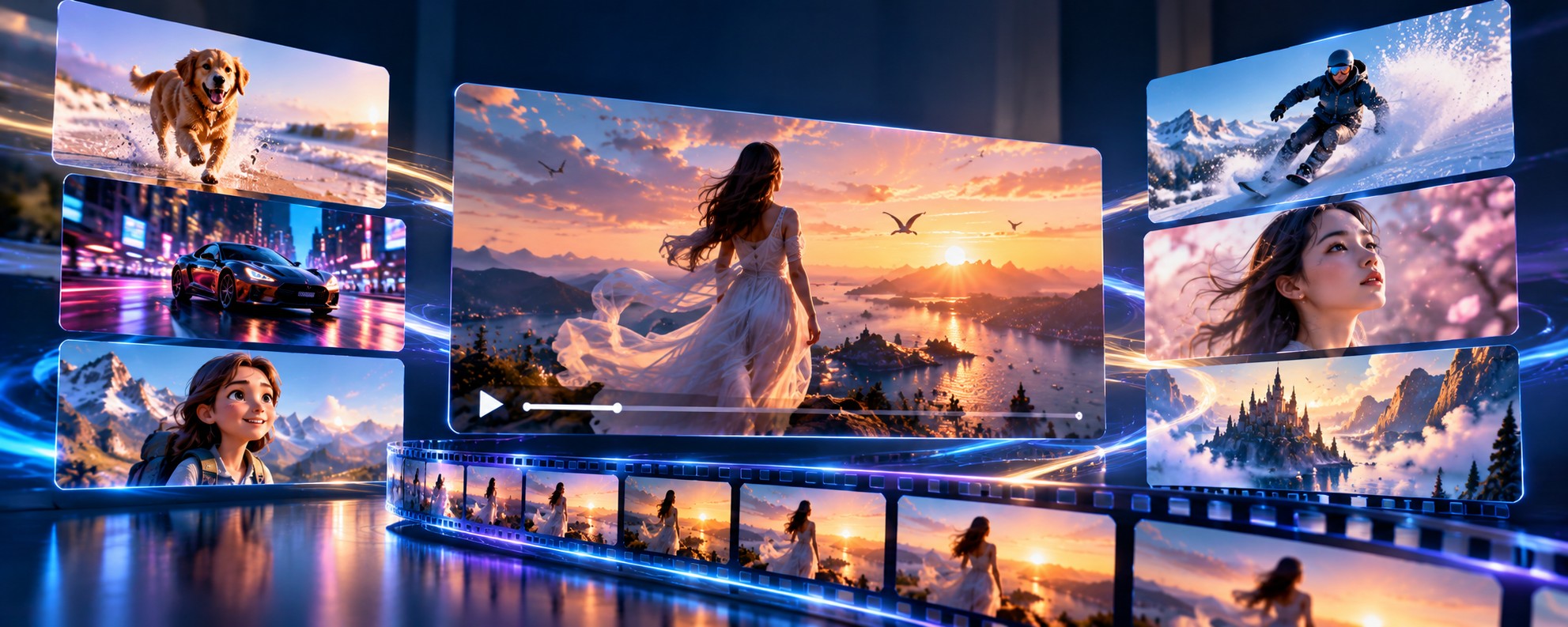
Turning an idea into a video usually takes several steps. You need a concept, visual assets, movement, and a sequence that makes sense from beginning to end. AI video generation can simplify much of this process by creating short clips directly from written prompts or existing images.
Seedance-V1-Lite is the lightweight variant of ByteDance Seed's Seedance 1.0 video generation family. It was designed to balance generation quality and efficiency, making it useful for creators and developers who want to produce short videos without relying on a full traditional production workflow.
In this guide, we will explore how Seedance-V1-Lite works, its text-to-video and image-to-video capabilities, practical applications, API integration, and the limitations to consider before using it in a production application.
What Is Seedance-V1-Lite?
Seedance 1.0 is a video generation model family developed by ByteDance's Seed team. The Lite variant uses a smaller model configuration designed to improve generation efficiency while retaining useful video creation capabilities.
Seedance-V1-Lite supports text-to-video generation, where a written description guides the output, and image-to-video generation, where an existing image provides the starting visual. These workflows allow users to create short clips for storytelling, marketing, creative experiments, and automated content production.
ByteDance's Seedance 1.0 research highlights prompt understanding, motion stability, visual quality, and multi-shot storytelling as important areas of development. The broader Seedance 1.0 family also supports cinematic scene transitions and diverse visual styles.
It is worth separating the capabilities of the entire Seedance 1.0 family from those of the Lite variant. Specific features, resolutions, duration limits, and reference-image options depend on the model endpoint and provider being used.
Key Features of Seedance-V1-Lite
1. Text-to-Video Generation
Text-to-video allows you to describe a scene in ordinary language and generate a moving clip from that description. You can explain the subject, environment, action, lighting, atmosphere, and desired camera movement.
For example, you might describe an astronaut walking across a red desert at sunset, with dust moving across the ground and the camera slowly following behind. The model attempts to translate those instructions into a sequence of frames.
This is useful when you have an idea but no source image or existing footage. Instead of creating every visual element manually, you can begin with a prompt and refine it based on the generated result.
2. Image-to-Video Animation
Image-to-video starts with an existing image and adds movement based on a prompt. It is useful when you want to animate a landscape, character illustration, product photograph, or other visual asset.
The reference image establishes the initial composition, while the prompt explains how the scene should change. For example, you could animate clouds moving over a mountain range, add gentle movement to water, or ask for a character to turn toward the camera.
The model does not simply play back the original image. It generates new frames, so some visual details can change during the animation. Review the result if accurate logos, facial features, or product details are important.
3. Lightweight and Efficient Generation
The Lite variant is designed to provide a more efficient generation option within the Seedance 1.0 family. A lightweight configuration can be useful for applications that need to generate many short clips or support frequent creative experimentation.
Efficiency does not mean that every request will complete instantly. Generation time depends on the endpoint, output configuration, current service load, and other implementation details.
If you are building an application, measure the actual response time and output quality of the provider you plan to use rather than relying only on general model descriptions.
4. Prompt Understanding and Motion Control
A video prompt often contains more than a description of what appears on screen. It may also specify how a subject moves, how several subjects interact, and how the camera follows the action.
ByteDance highlights semantic understanding and accurate instruction following in its Seedance Lite documentation. These capabilities help the model interpret actions, character behavior, expressions, and camera directions.
Detailed prompts can improve the chances of getting the intended result, although complex actions may still be generated imperfectly. Keeping the main action clear makes it easier to evaluate and refine the output.
5. First-Frame and Last-Frame Guidance
Some Seedance-V1-Lite image-to-video endpoints support both a starting image and an ending image. This gives you more control over the visual transition between the beginning and end of a clip.
For example, you might provide an image of a closed flower as the first frame and an image of the flower in bloom as the last frame. The model attempts to generate the movement connecting those two states.
This capability is especially useful for planned transformations and directed transitions. However, support for ending frames depends on the endpoint, so confirm the accepted parameters before using this workflow in your application.
6. Multiple Subjects and Scene Actions
Video prompts can describe interactions between people, animals, objects, or other subjects. Seedance Lite documentation highlights the model's ability to interpret complex actions and interactions between multiple subjects.
This can help with scenes such as two people greeting each other, a group moving through a location, or objects interacting within a defined environment. Results may vary when several actions need to occur in a strict sequence.
7. Flexible Video Formats
Provider documentation for Seedance-V1-Lite commonly exposes short clips at resolutions such as 480p and 720p, along with multiple aspect ratios. Certain endpoints support five- or ten-second videos, while other configurations may differ.
These are provider-specific options, not a guarantee that every Seedance-V1-Lite integration supports all combinations. Check the current endpoint documentation for supported resolution, duration, and aspect ratio before submitting a request.
How Does Seedance-V1-Lite Work?
At a high level, a video generation model uses learned patterns to create a sequence of frames based on a prompt or visual reference. Unlike a still-image model, it must also predict how the scene should change over time.
In text-to-video generation, the prompt provides the main description of the scene. In image-to-video generation, a reference image helps establish the starting composition. The model then generates frames intended to follow the requested motion and visual style.
ByteDance's Seedance 1.0 technical report describes improvements across data curation, multimodal modeling, post-training optimization, and inference acceleration. The report also discusses methods designed to improve motion quality, instruction adherence, and temporal consistency.
When used through an API, the generation process is commonly asynchronous. The application submits a task, receives an identifier, checks its status, and retrieves the generated video when processing is complete.
Seedance-V1-Lite Use Cases
Social Media Content
Creators can use Seedance-V1-Lite to produce short clips for social media posts, promotional content, and visual storytelling. Text-to-video is useful for exploring new concepts, while image-to-video can bring existing artwork or photographs to life.
For vertical content, choose a supported portrait aspect ratio and write prompts with the main subject clearly positioned within the frame. Always check the final composition before publishing.
Advertising and Product Marketing
Marketing teams can experiment with product scenes, atmospheric backgrounds, and short campaign concepts. AI video generation can be particularly useful during early creative development, when several visual directions need to be explored.
Generated product visuals should be checked carefully for incorrect labels, altered logos, or inaccurate product details. If the video represents a real product, visual accuracy matters as much as the overall appearance.
Storyboards and Previsualization
Filmmakers and creative teams can use short generated clips to communicate a scene before beginning a full production. A video can illustrate a proposed action, mood, environment, or camera movement more clearly than a written description alone.
Separate clips may not maintain perfect continuity, so treat the results as visual references unless they have been reviewed and edited for the final project.
E-Commerce and Online Stores
Online businesses can explore animated product visuals, lifestyle scenes, and promotional concepts. Image-to-video can help create motion around an existing product image without requiring a new live-action shoot for every idea.
For commercial use, ensure the output accurately represents the product and complies with the relevant platform terms and usage rights.
Creative Animation and Concept Art
Artists can experiment with moving illustrations, fantasy environments, animated characters, and different visual styles. The model can turn a static concept into a short motion study that helps communicate an idea or explore a new direction.
Automated Video Applications
Developers can integrate Seedance-V1-Lite into a creative platform, marketing tool, or content workflow. Users can submit prompts or images, receive generated clips, and continue editing them with other services.
A larger application can combine video generation with separate tools for voiceovers, subtitles, audio, and editing. These should be treated as separate capabilities unless the selected endpoint explicitly supports them.
Writing Effective Seedance-V1-Lite Prompts
A useful video prompt should explain the subject, action, setting, and visual direction. Camera movement and lighting can also help communicate the style you want to achieve.
The following examples are illustrative prompts. They are not guaranteed outputs from the model.
A lone astronaut walks across a red desert at sunset.
Fine dust moves across the ground as the astronaut
looks toward distant mountains. The camera slowly
tracks from behind. Warm cinematic lighting, realistic
motion, and a consistent environment throughout the clip.Animate the supplied landscape image. Clouds drift
slowly over the mountains while sunlight moves across
the lake. The camera makes a gentle forward movement.
Preserve the overall composition and natural color palette.Keep the main action simple when testing a new prompt. If the result is not close to what you expected, adjust one or two details at a time. This makes it easier to identify which instructions improve the output.
If the endpoint supports first and last frames, use them when the beginning and ending composition are important. Confirm that the chosen endpoint accepts the reference images in the format you provide.
How to Use Seedance-V1-Lite Through an API
Seedance-V1-Lite is available through multiple API providers. Each provider may use a different model identifier, request format, authentication method, and task-status workflow.
The following example uses Segmind's documented Seedance-V1-Lite text-to-video endpoint. It illustrates how to submit a prompt and retrieve the completed result through the provider's Python client.
import os
from segmind import SegmindClient

os.environ["SEGMIND_API_KEY"] = "YOUR_API_KEY"

client = SegmindClient()

job = client.submit_async(
    "seedance-v1-lite-text-to-video",
    prompt=(
        "A cinematic train travels through a mountain "
        "valley at sunrise, with mist moving across "
        "the landscape and a smooth tracking camera."
    ),
    duration=5,
    resolution="720p",
    aspect_ratio="16:9",
)

result = job.wait(timeout=900, interval=2.0)

print(result.get("output"))
This example follows the documented Segmind client pattern. Install the current SDK, configure your API key securely, and confirm the latest method signatures before using it in production.
The image-to-video endpoint uses a different request configuration and requires a source image URL. Some Lite endpoints also support an ending frame. Consult the selected endpoint's documentation for the exact supported fields and accepted values.
Seedance-V1-Lite vs. Seedance 1.0 Pro
Seedance 1.0 Lite and Seedance 1.0 Pro belong to the same model family, but they target different needs. Lite is designed around a more efficient configuration, while Pro is the higher-end variant in the original Seedance 1.0 lineup.
| Area | Seedance 1.0 Lite | Seedance 1.0 Pro |
|---|---|---|
| Main focus | Efficiency and faster iteration | Higher-end generation quality |
| Text-to-video | Supported on documented endpoints | Supported on documented endpoints |
| Image-to-video | Supported on documented endpoints | Supported on documented endpoints |
| Best fit | Prototyping and frequent generation | Workflows prioritizing output quality |
This is a high-level comparison rather than a claim that one variant always produces better results. Actual quality, latency, and available settings depend on the task and the provider's implementation. Test both variants on representative prompts if you need to make a production decision.
Limitations to Consider
- Visual consistency: Subjects, faces, clothing, and small details may change across frames.
- Complex actions: Multi-step movements may not follow every instruction exactly.
- Short clip duration: The Lite endpoints focus on short clips. Confirm the supported duration for your provider.
- Resolution limits: Available resolutions differ between endpoints and configurations.
- Audio: Do not assume that a generated video includes audio. Check the endpoint's documented outputs.
- API differences: Model identifiers, parameters, and task-handling methods vary between providers.
- Commercial review: Check the provider's usage terms and inspect the final video before publishing it.
Frequently Asked Questions
What is Seedance-V1-Lite?
Seedance-V1-Lite is the lightweight variant of ByteDance Seed's Seedance 1.0 video generation family. It supports short video creation from text and, on compatible endpoints, reference images.
Can Seedance-V1-Lite generate video from text?
Yes. Text-to-video endpoints accept a written prompt describing the intended scene and generate a video based on those instructions.
Can Seedance-V1-Lite animate an image?
Yes. Image-to-video endpoints use a reference image as the starting visual and generate motion based on the prompt and supported settings.
What resolution does Seedance-V1-Lite support?
Provider documentation commonly lists 480p and 720p configurations. Available resolutions may differ by endpoint, so check the documentation for your specific integration.
Can I control the first and last frames?
Some image-to-video endpoints support a starting image and an optional ending image. This allows you to guide the beginning and ending visual states. Confirm support for the selected endpoint.
Is Seedance-V1-Lite suitable for developers?
Yes. API providers expose endpoints that let developers submit video-generation tasks and retrieve the results. The exact integration depends on the provider's SDK and request format.
What is the difference between Seedance Lite and Pro?
Lite is designed to balance generation quality and efficiency, while Pro is the higher-end variant in the original Seedance 1.0 lineup. Compare the current provider specifications and test your own prompts before choosing a variant.
Can Seedance-V1-Lite generate audio?
Do not assume audio is included with the video output. Check the selected endpoint's output specification and add a separate audio workflow if required.
Final Thoughts
Seedance-V1-Lite offers a practical way to experiment with AI video generation through text prompts and reference images. Its lightweight design makes it relevant for creative prototyping, short-form content, and applications that need to generate video through an API.
Before building around the model, confirm the endpoint's supported resolution, duration, aspect ratio, and reference-image controls. Then test it with realistic prompts and evaluate both visual quality and consistency against your project's needs.
Explore more models in the WhollyAPI model directory or discover more AI tools and technical guides on the WhollyAPI blog .